Vroom on Google Play
Vroom on App Srore
Features
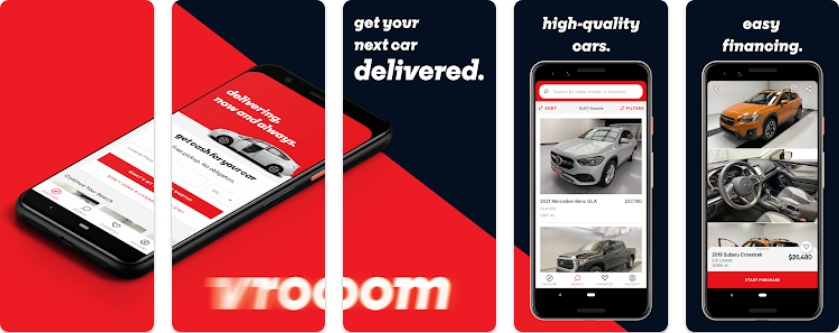
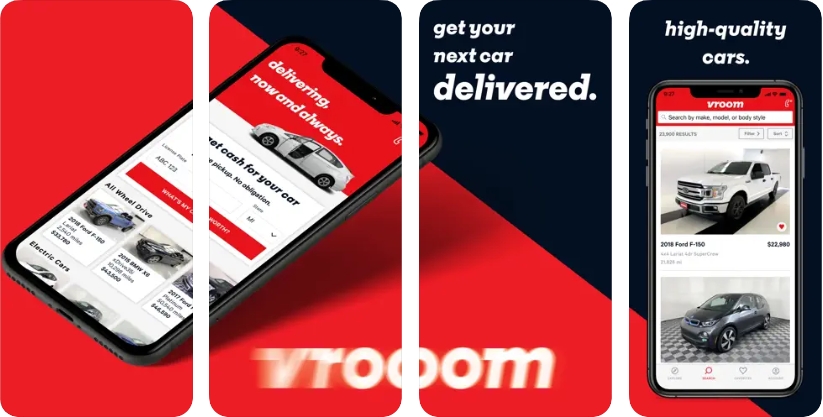
The official app is called Vroom: Used Cars Delivered. It is available on both iOS and Android.
The app is divided into four sections.
The first one, "Discover" lets you discover vehicles and shop for popular brands.
"Sell" helps you sell your car and get an instant appraisal - it's an easy way to sell or trade-in your vehicle.
The "Favorites" section of the Vroom: Used Cars Delivered app lets you keep tabs on vehicles that you want to buy.
The "Account" section shares the functionality of the desktop version, allowing you to pay off the loan, arrange deliveries, and more.
How to download the app?
The process is straightforward for both Android and iOS users. All you have to do is tap on the name of the app, "Vroom: Used Cars Delivered". From that point, the download process doesn't differ from downloading any other application. You don't have to use 3rd-party resources or direct APK links. The app won't work outside the US.
In the App Store, click Get on the app and wait for it to download. In Google Play, tap install, and once the app is ready for use, it will appear on your home screen.
How to delete the app?
You can delete Vroom: Used Cars Delivered in very much the same way as any other app.
On your home screen, find the application;
Hold the icon until you see a menu;
Choose Delete or the “X” sign.
Please remember that deleting the official app does not equate to deleting your account.