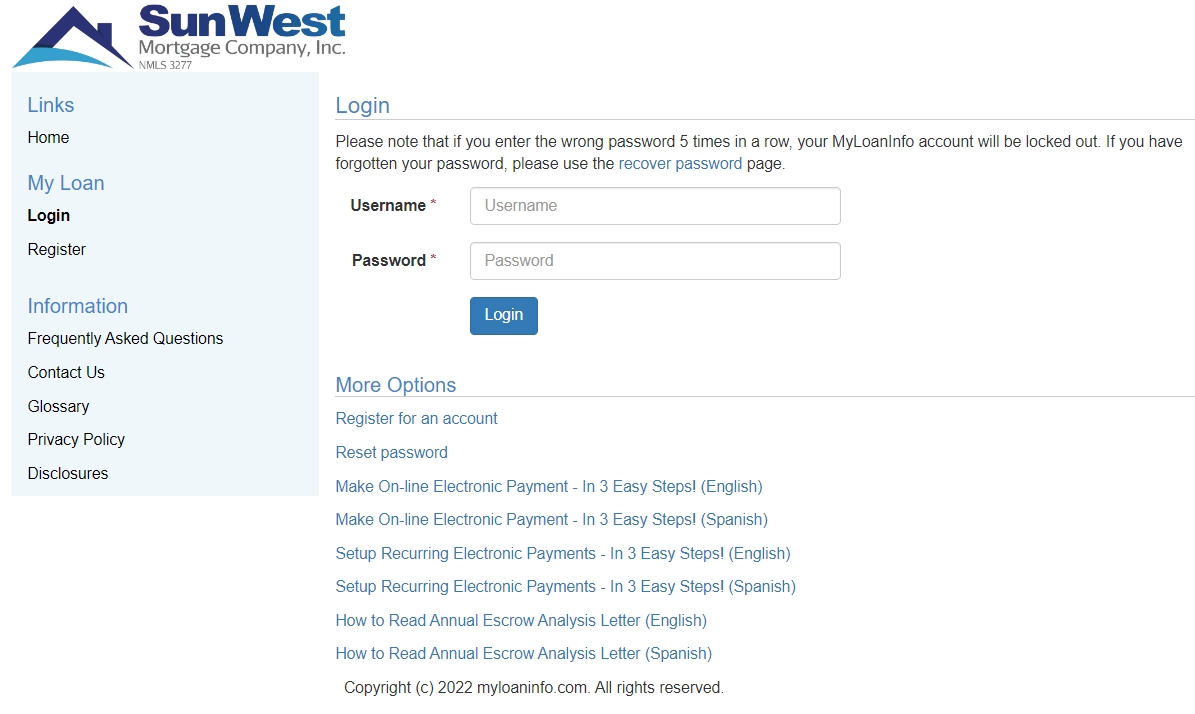
How to register an account?
Sun West Mortgage Company's "My Loan" portal is where you may create an account and manage your mortgage loans online. After clicking the link, you'll be sent to an online application form where you'll be asked for your personal information (first and last name, username and password, email address, loan number, Social Security Number, and date of birth). When ready to begin the application process, click the "Register" button.
Features
Sun West Mortgage Company has many loan options available, but you need to create an account on their website to use them. You can use your online profile to track all your mortgage loans and make payments whenever it's most convenient. On the application page, you can also check your loan status and initiate a live chat with a trained loan agent if you have any questions.
How to reset a password?
Visit the official sign-in page and enter the email address associated with your original registration. You can expect an email from Sun West Mortgage Company with a reset password link to be sent to that address.
How to delete an account?
Call +1 (844) 978-6937 or email [email protected] to speak with a representative about closing your account with the Sun West Mortgage company.