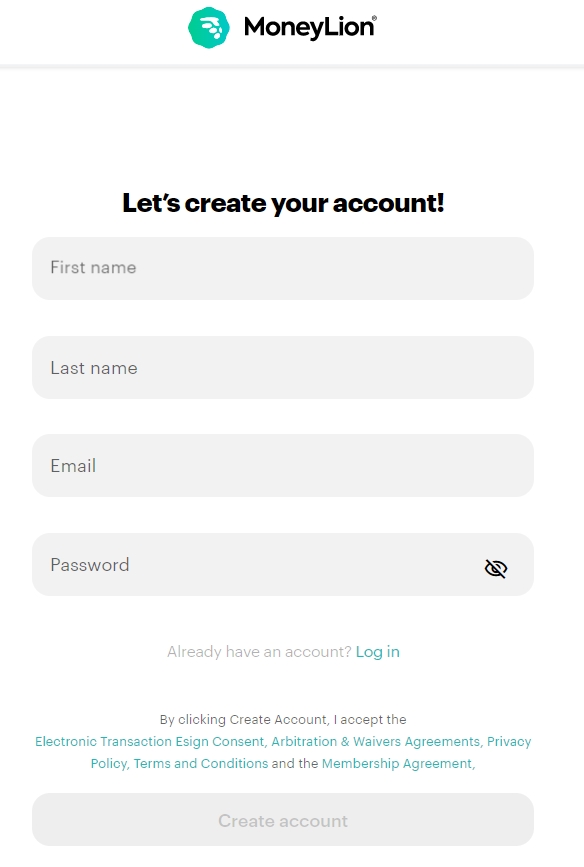
How to apply for a loan?
Customers will be able to complete the application process for a MoneyLion loan on a desktop or through the mobile app. Firstly, clients must create a MoneyLion account and sign up with their full name and address.
After completing this step, customers can apply for a Credit Builder Plus membership to request a credit-builder loan. To complete the application process, clients will need to provide some personal information.
Full name
Full email address
Social Security number
Home address
Verifiable phone number
Valid bank account in good standing. It means it has to be at least 60 days old and have deposits with a steady income.
Requirements
To qualify for the company's services and consider Credit Builder Plus membership, clients must:
Be at least 18-21 years old
Be a permanent resident or citizen of the United States
Have a Social Security number
Possess a bank account, debit card, or prepaid card.
Application details
First, customers must apply for a MoneyLion account via their website or mobile app. Then create an account by signing up with the full name and email address.
Afterward, MoneyLion considers a customer's bank account data, deposits, and expenses, to determine if a client qualifies for an advance and what loan amount can be available to them. The lender also considers the customer's income. So, note that to qualify, you must be employed and possess a steady regular income in most cases.
Nevertheless, MoneyLion also considers customers who get their deposits from unemployment, alimony, or Social Security.
To qualify for an advance, clients will need to have the following:
Ownership of a valid checking account
At least two months' history
Recurring deposits
A consistently positive balance
Provide deposits and expenses.