How to register an account
Creating an account is a matter of clicking the "Set Up Your Marcus Account" button on the main page. You'll be asked to type in your first and last name, current email address, and password. From there on out, you'll be guided through the remainder of the process via a series of emails.
How to reset a password
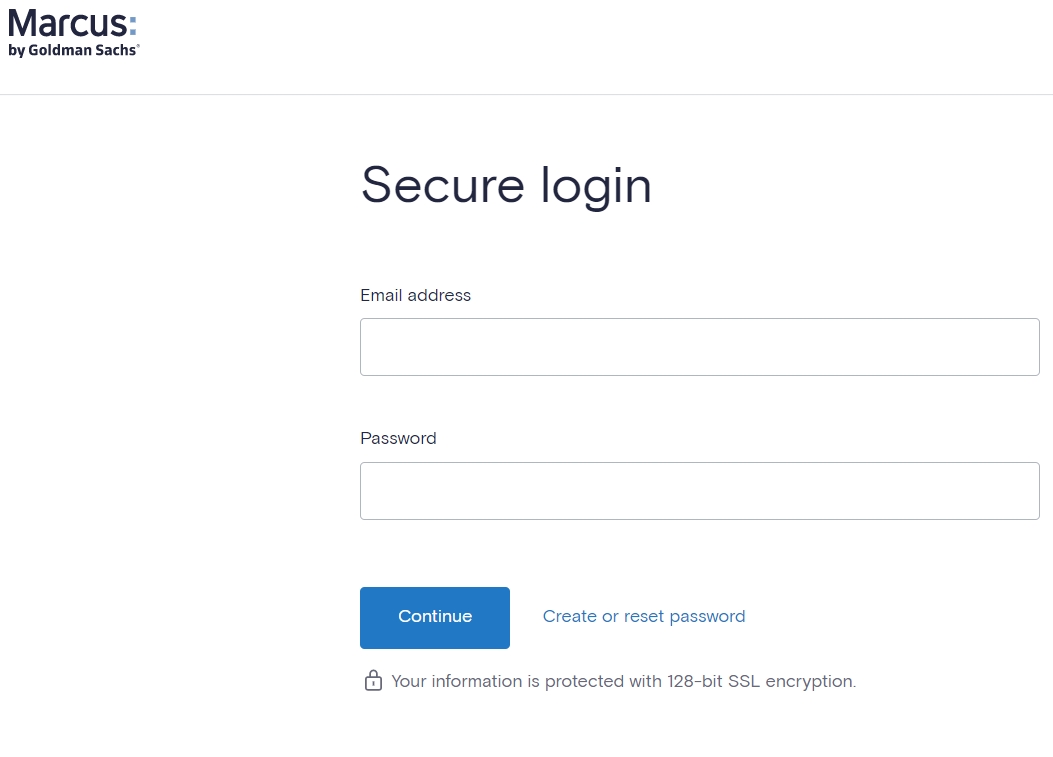
In order to do so, you will need to click on the "Create or Reset Password" button that is located on the Marcus by Goldman Sachs login webpage. From there, you must follow the instructions. There's also a possibility to reset your password by contacting the Marcus customer support task force via the phone. Different numbers are used for different products, so please take that into consideration before you make the call.
How to delete an account
To close your account, you will have to head to the "Account Detail" webpage. In the top rightmost corner, there will be three dots. Once you click on them, an option that says "Close This Account" will be revealed. You will need to transfer your funds someplace before deleting your account.