How to install an application
There's a mobile app that can be downloaded on both iOS and Android. It is richly equipped with various useful features, such as different payment options, the ability to stay connected to multiple accounts, the ability to look up balances and schedule payments in advance, and more.
The process of the installation on both Android and iOS doesn't differ from the normal installation process, so we won't elaborate beyond that. All you have to do is type in the name Marcus (or Marcus by Goldman Sachs) in the search bar of the respective app store and install the app.
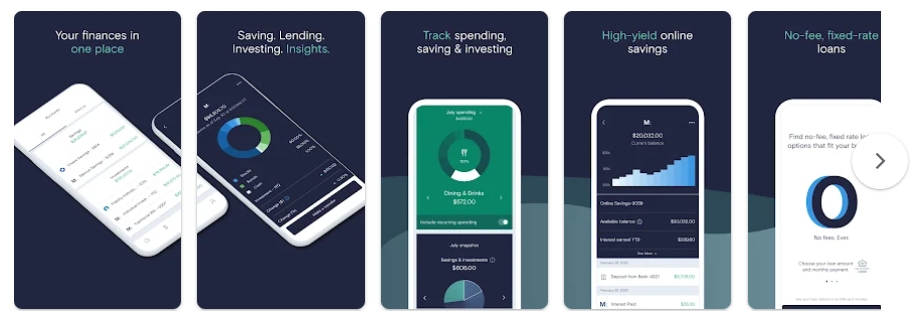
Marcus on Google Play
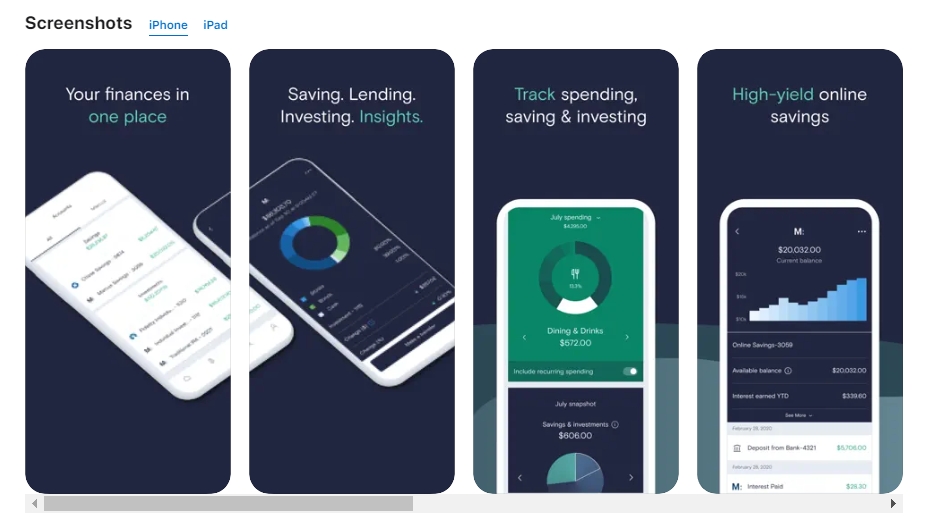
Marcus on App Store
Main features
The essential features of the app available on both major operating systems include:
Manage multiple accounts, check balances on each;
Check your progress towards the repayment of the loan or any other financial goals you've set;
High-level security with two-step authentication;
Use Marcus Invest;
Optimize finances through the usage of additional tools;
Connect external bank accounts;
Create additional deposit accounts;
Use MarcusPay;
Check earnings.