Chime on Google Play
Chime on App Store
Features
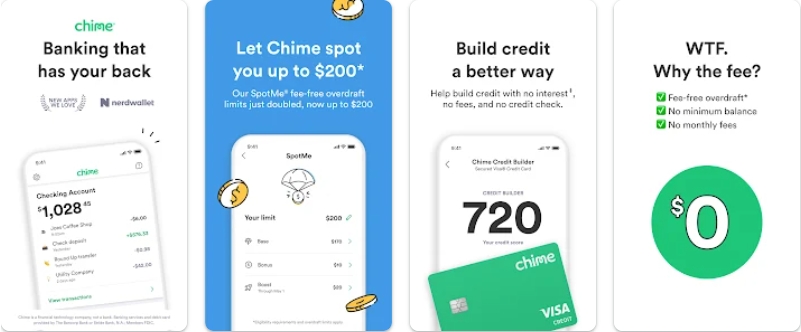
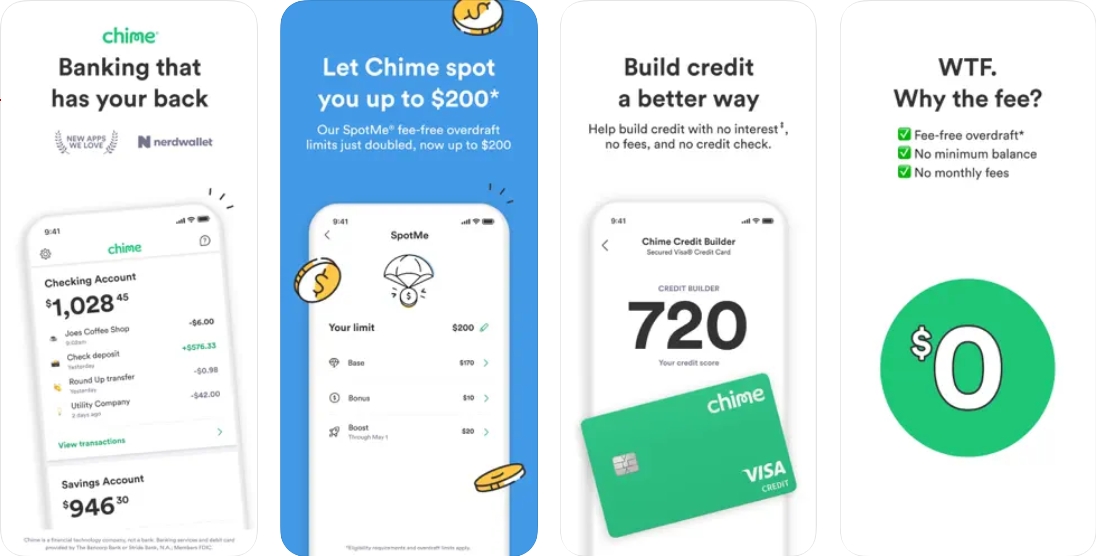
Chime’s mobile banking app was very well-received upon its arrival. The main features of this app include but are not limited to:
- Checking your debit card balance;
- Reviewing transactions;
- Managing savings;
- Receiving instant notifications regarding any activity on your Chime card;
- Turning on 2-factor authentication;
- Freezing your Chime Visa Debit Card in case of an emergency;
- Getting early payment;
- Setting up automatic payments and/or savings.
iOS users can close their account directly from the official app. If your balance is below $0 or if any issues arise while closing the account, you should get in touch with the customer service team.
How to download an app?
The Chime Financial app is available for both Android and Apple phones. It's a straightforward process.
If you're using iOS
- Go to the App Store;
- Find the app called "Chime – Mobile Banking" under the Chime Financial Inc. developer;
- Click Download under app’s name.
If you're an Android user
- Type in "Chime" in the search bar of Google Play
- Find the app called "Chime – Mobile Banking" under the Chime developer;
- Click Install and wait for the app to get downloaded on your phone.