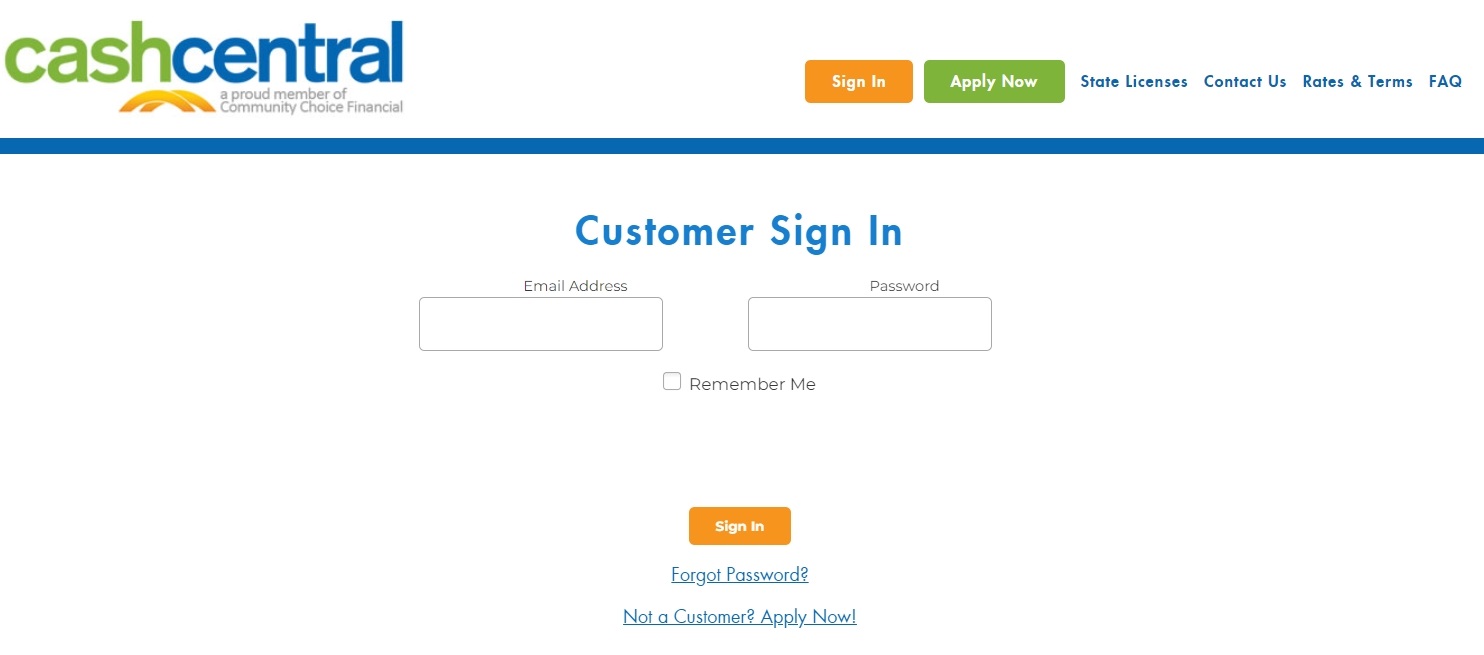
How to register an account?
The borrower registers his account on the website of the partner company Cash Central which is a subsidiary of Direct Financial Solutions LLC, during the application process. After filling in personal information, information about employment, and the bank account, the client needs to enter his email address and come up with a password. The account is created automatically after clicking the "Submit" button in the application.
Features
A personal account allows borrowers to monitor their loans and make payments. It is possible to see the dates of the next payments and the balance of the debt in the account. Users can set up automatic payments through ACH debit and change their frequency. It is also possible to manage the loan application, namely, to change data and upload documents.
How to reset a password?
To reset the password in the account on the site, the client must perform the following steps:
- When logging in to your account, click "Forgot Password?";
- Enter the email address and click "Сontinue";
- In the letter with instructions, click on "Reset Password";
- Enter the new password twice.
How to delete an account?
Only an employee of Cash Central can delete an account. The user needs to call or write to technical support and inform them about the intention to delete the account. The company's employees will check the account for debts and successfully delete it if there are none.