Personal account features
When you start checking a savings account with Community bank, you immediately get a fully working personal Community web service account. You also get access to the MyFinance tool and other Community services to manage all of your Community Bank products.
How to register an account
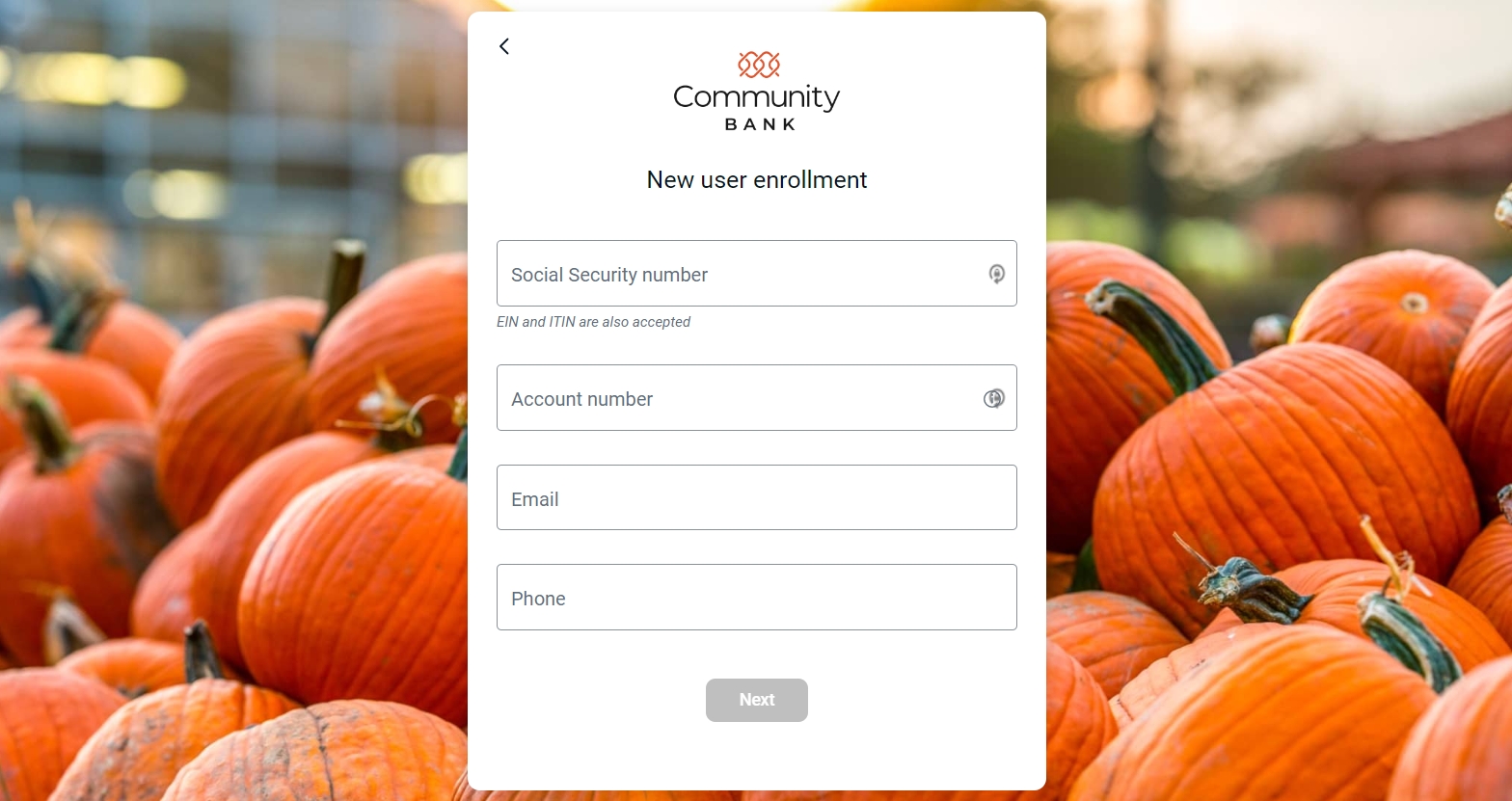
To create an account on a Community Bank website, you should create a checking, savings, or loan account. To register, go to the Community Bank website and select “Open & Apply Now” – “Checking and Savings account.” When redirected, select your account type, fill in your personal information, and proceed with the application.
How to reset a password
If you already have a Community Bank account, choose the “Log In” option. Select “Online banking” in the drop-down list. You will see a “Forgot password?” option. Click on this link and proceed to an account recovery page. Provide your username and e-mail and wait for recovery instructions.
How to delete an account
Contact the support team to discontinue your account. Call 1-866-764-8638 or send an inquiry to [email protected] to contact Community Bank N.A. support.