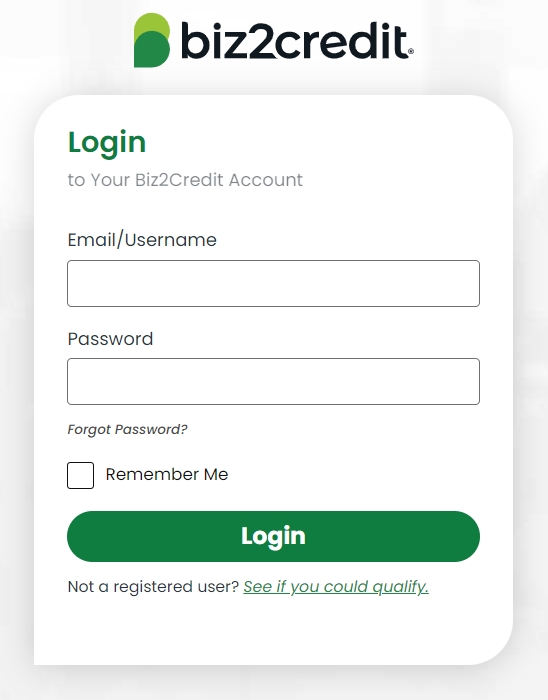
How to register an account?
To register an account on the Biz2Credit website, a customer must provide personal data, enter the email, and create the password. Then confirm the password using the referral code over the mail and get the link to enter the account.
To sign up, click Log In on the website and proceed to create a new account.
Features
Through the account on the company's website, a Biz2Credit customer can
Overview of small business financing options
Use knowledge center with valuable educational material
Apply to the company's services
Get funding
Use financial calculators
Contact the Biz2Credit representative.
How to reset a password?
To reset a password on the website, a clientele has to contact customer support over the phone at +1 (800) 200-5678, mail [email protected] or offline during the company's working hours from 8 am to 7 pm Monday through Saturday.
How to delete an account?
To delete an account on the website, a customer has to write to [email protected], stating the reason for account deletion and providing the necessary contact information.