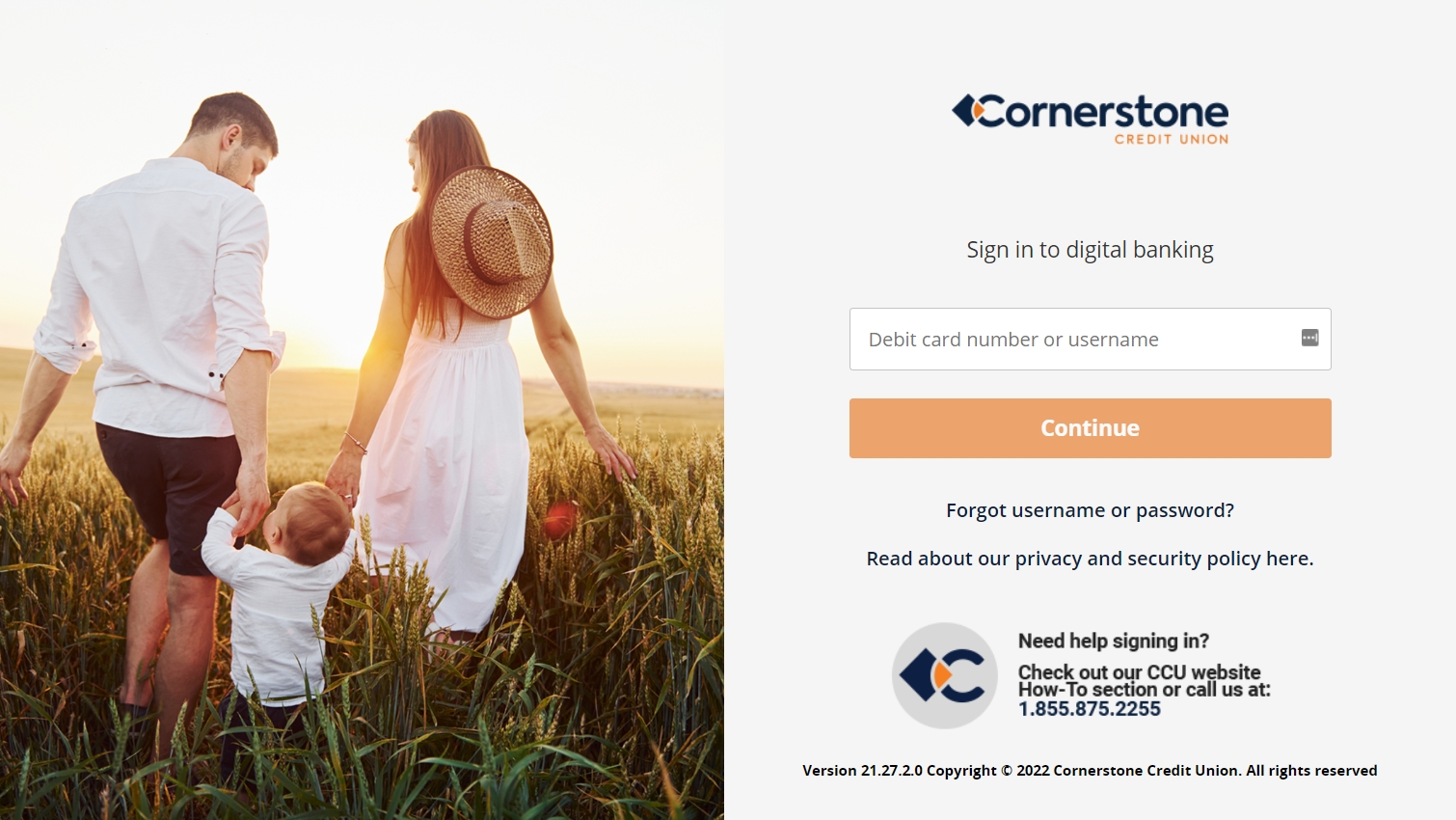
How to log into my Cornerstone account
To sign into a digital banking account:
Open the Cornerstone official website and click the «Sign in» button.
Sign in using your 16-digit debit card number and your Personal Access Code (PAC) as your current password.
Create a new username. It can't be changed later.
Set up and repeat a new password.
Confirm your contact information by entering your mobile phone number or email.
Enter the authentication code sent to the email or phone number in the pop-up window.
Confirm your info and click «Create user profile» to complete.
Click «Proceed to sign in» and enter your account with your new username and password.
The Cornerstone Account lets you:
Customize and personalize your accounts
Stop cheques
Set up favorite transactions
Pay bills or set up recurring payments
Make loan payments
View accounts history
Consolidate business and personal accounts
Transfer funds from your CAD to USD accounts or another Cornerstone member
Make immediate, scheduled, or recurring transfers
Send, receive and request Interac e-Transfers
Send secure messages
Manage alerts
Update contact information
Reset your password
Use One-Time Passcodes (OTPs)
Open new accounts in minutes
View eStatements
Find Cornerstone branches & ATM locations
How to open a Cornerstone account
You should be a Cornerstone member to open a Cornerstone CU digital banking account. If you aren't, join the Cornerstone credit union and follow the steps to create a profile:
Open the Cornerstone official website and click the «Sign in» button.
Sign in using your 16-digit debit card number.
Enter your date of birth, your mobile phone number, or the email address matching the data in your file.
Receive a verification code either through a text message or email.
Input the received code and click «Confirm.»
Create a new username. It can't be changed later.
Set up and repeat a new password.
Click «Create user profile» to complete your further sign-in information.
Sign into your digital banking account with your unique username and password.
Now you may use your username and password to enter the online banking and mobile app.
Requirements
To open an online banking account, you should be a member of the Cornerstone credit union. To become a member, contact one of the branches.